

Genkit Agents come to Dart: full-stack conversational AI for Flutter
The Agents API is now in Dart. Define an agent on the server and drive it from your Flutter app with the same chat() interface via remoteAgent, and reach agents written in Dart, JS, Go, or Python over one shared protocol.

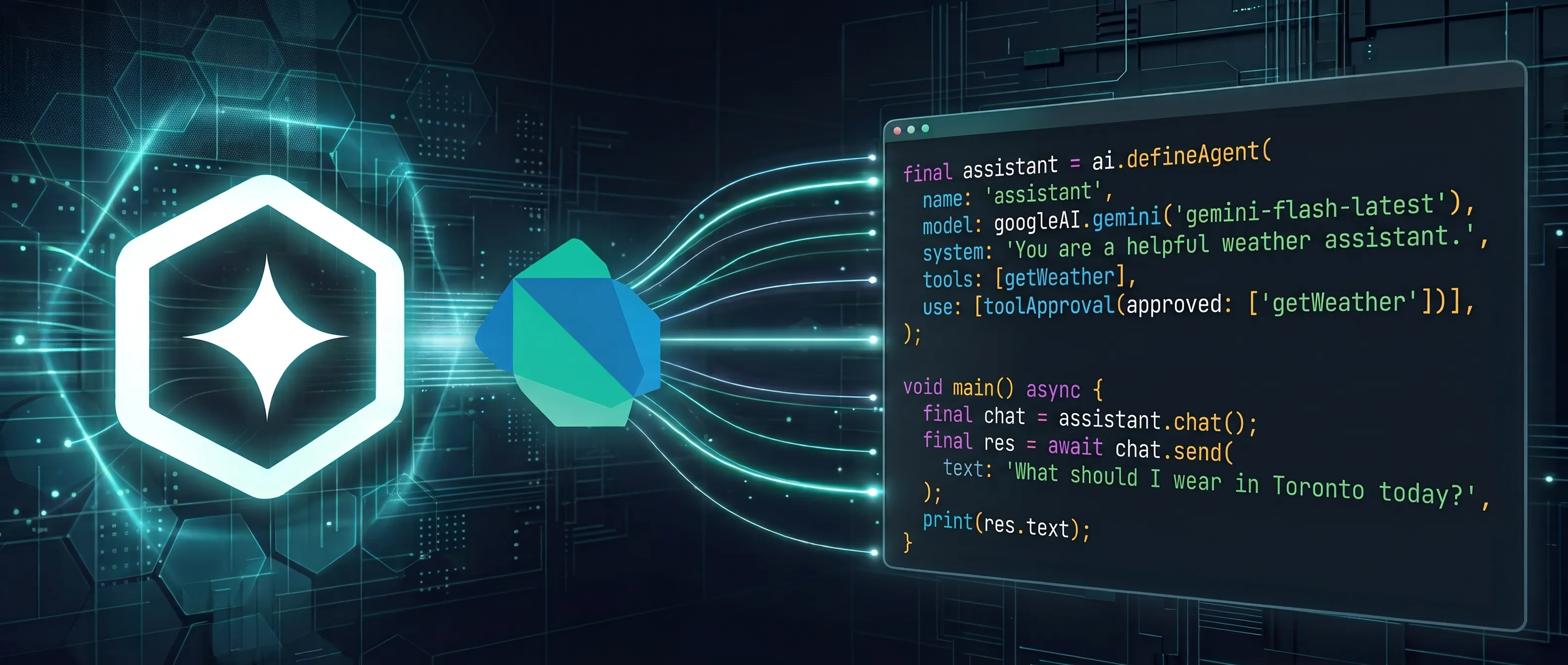
Genkit is an open-source framework for building full-stack, AI-powered and agentic applications for any platform with support for Dart, TypeScript, Go, and Python. Some of the most compelling AI features are conversational: a support assistant that remembers the ticket, a copilot that works across several turns. Each needs more than a single generate() call. Building one means wiring up message history, the tool loop, streaming, persistence, and a client protocol by hand, plumbing that repeats on every project and has little to do with what makes your app distinct.
The Agents API is now available in Genkit Dart. It packages all of that behind one interface. You define an agent on the server, then drive it with the same chat() API whether it runs in process or behind an HTTP endpoint. And because that endpoint speaks one shared wire protocol, a Flutter app can talk to agents written in Dart, JS, Go, or Python without changing a line of client code.
For Flutter developers this closes the loop: the same language, the same types, and the same chat() surface run on both the server and the client.
Define an agent
Section titled “Define an agent”An agent needs a name and a system prompt to start. From there you add tools, state, and a session store as the feature grows. Here is a weather agent with a single tool and a file-backed session store so conversations survive restarts:
import 'package:genkit/genkit.dart';import 'package:genkit/experimental.dart';import 'package:genkit/experimental_io.dart';import 'package:genkit_google_genai/genkit_google_genai.dart';
final ai = Genkit(  plugins: [googleAI()],  model: googleAI.gemini('gemini-flash-latest'),);
final getWeather = ai.defineTool(  name: 'getWeather',  description: 'Get the current weather for a given location.',  inputSchema: GetWeatherInput.$schema,  outputSchema: GetWeatherOutput.$schema,  fn: (input, _) async => GetWeatherOutput(    weather: 'Sunny in ${input.location}',    temperature: '71F',  ),);
final weatherAgent = ai.defineAgent(  name: 'weatherAgent',  system:      'You are an assistant helping with weather information. Use the '      'getWeather tool.',  tools: [getWeather],  store: FileSessionStore('.sessions'), // server-managed state);
The same agent object handles a one-shot reply, a streamed turn, a paused tool call, and a multi-turn conversation. You call it in process just like you would over HTTP:
final chat = weatherAgent.chat();final turn = chat.sendStream(text: 'What is the weather in London?');await for (final chunk in turn.stream) { stdout.write(chunk.text);}final res = await turn.response;A chat carries its snapshotId/state forward across turns automatically, so multi-turn is just calling send again. Adding a store makes the agent server-managed: the server persists messages, custom state, and artifacts as snapshots, and clients continue by sending back a session ID. Leave the store off and the agent is client-managed, so the client owns the state blob and passes it back each turn.
Serve it over HTTP
Section titled “Serve it over HTTP”Every agent is already a servable action, so putting one behind an HTTP endpoint takes only a few lines with genkit_shelf. You mount the agent’s turn action alongside its snapshot and abort companions:
import 'package:genkit_shelf/genkit_shelf.dart';import 'package:shelf_router/shelf_router.dart';import 'package:shelf/shelf_io.dart' as io;
final router = Router();
router.post('/api/weatherAgent', shelfHandler(weatherAgent.action));router.post(  '/api/weatherAgent/getSnapshot',  shelfHandler(weatherAgent.getSnapshotDataAction),);router.post(  '/api/weatherAgent/abort',  shelfHandler(weatherAgent.abortAgentAction),);
await io.serve(router.call, InternetAddress.anyIPv4, 8080);
Each agent gets a turn endpoint that handles normal and streaming turns, plus a getSnapshot companion when it has a session store and an abort companion for detached background work. That same wire protocol is what the client below speaks.
The Flutter payoff: remoteAgent on the client
Section titled “The Flutter payoff: remoteAgent on the client”The piece that ties your server and your Flutter app together is the remote client. remoteAgent() from package:genkit/experimental_client.dart returns a handle with the same chat() interface as a local agent, so the code that drives an agent in your backend tests is the code that drives it from your app. There is no separate request and response protocol to design, and no streaming format to invent.
import 'package:genkit/experimental_client.dart';
final weather = remoteAgent(  url: 'http://localhost:8080/api/weatherAgent',  getSnapshotUrl: 'http://localhost:8080/api/weatherAgent/getSnapshot',  abortUrl: 'http://localhost:8080/api/weatherAgent/abort',);
final chat = weather.chat();final turn = chat.sendStream(text: 'Weather in Tokyo?');await for (final chunk in turn.stream) {  stdout.write(chunk.text);}final res = await turn.response;
Streaming is built into the same interface: sendStream() gives you a chunk stream and a final response, and each chunk can carry text, custom state, or an artifact as it is produced. Here is a compact Flutter widget that streams a turn straight into the UI:
class WeatherChat extends StatefulWidget {  const WeatherChat({super.key});
  @override  State<WeatherChat> createState() => _WeatherChatState();}
class _WeatherChatState extends State<WeatherChat> {  final _agent = remoteAgent(    url: 'https://your-backend.example.com/api/weatherAgent',  );  late final _chat = _agent.chat();  String _text = '';
  Future<void> _ask(String prompt) async {    setState(() => _text = '');    final turn = _chat.sendStream(text: prompt);    await for (final chunk in turn.stream) {      if (chunk.text.isNotEmpty) {        setState(() => _text = chunk.accumulatedText);      }    }  }
  @override  Widget build(BuildContext context) {    return Column(      children: [        Expanded(child: SingleChildScrollView(child: Text(_text))),        TextField(          onSubmitted: _ask,          decoration: const InputDecoration(hintText: 'Ask about the weather'),        ),      ],    );  }}
The client resolves dynamic auth headers per request, applies streamed state patches, and continues the next turn with a session ID, a snapshot ID, or client-managed state, whichever your agent uses. Because remoteAgent lives in the browser-safe package:genkit/experimental_client.dart, the same code runs on Flutter mobile, desktop, and web.
One protocol, any backend, any client
Section titled “One protocol, any backend, any client”Here is the part that matters for real teams: the agent wire protocol is shared across every Genkit language. A remoteAgent in your Flutter app does not know or care what language its server is written in. It talks to agents written in Dart, JS, Go, or Python over the exact same HTTP interface.
That means your Flutter frontend can:
- Connect to a Dart backend so your whole stack is one language.
- Reach an existing JS, Go, or Python agent your team already runs, with no bespoke client.
- Switch or mix backends later without rewriting the app. The client code is identical.
The frontend code above stays the same in every case. Only the URL changes.
And it runs both ways: because the protocol is symmetric, an agent you write in Dart is reachable by a remoteAgent in JS, Go, or Python just as easily. A Dart backend can power a web, mobile, or server client written in another language, so Dart is a first-class choice for the server side even when your frontend is not Dart.
Beyond chat
Section titled “Beyond chat”The Agents API in Dart carries the full feature set, not just streaming chat:
- Custom state. Tools mutate typed session state through
ai.currentSession(), and Genkit streams the changes to the client ascustomPatchchunks so your UI stays live mid-turn. Great for a task list, workflow status, or any structured value that drives the next turn. - Human in the loop. A tool can interrupt to pause a turn before a payment, a deployment, or any action you do not want to run automatically. The client approves, rejects, or supplies the missing value, then resumes the same chat.
- Custom agents.
defineCustomAgentgives you full control of the turn loop for multi-step orchestration, multiple models, and manual message and state handling, all while streaming status to the client. - Work that outlives the request. With server-managed state, a client can detach a long turn, close the app, and reconnect later by snapshot ID while the agent keeps working on the server.
Get started
Section titled “Get started”Genkit Agents bring the repeated plumbing of conversational, full-stack AI to Dart and Flutter as something you configure rather than rebuild. Define an agent on the server, give it a store when you want persistence, and drive it from your Flutter app with the same chat() interface through remoteAgent().
- Read the docs: Dive into the Agents documentation to see everything you can do.
- New to Genkit Dart? Start with the quickstart guide.
- Join the community: Ask questions and chat with the team on our Discord server.
- Stay updated: Follow us on X and LinkedIn.
- Give feedback: Open an issue on the GitHub repository to report bugs or request features.
We can’t wait to see what you build. Happy coding! 🚀